Record your screen.
Show your face.
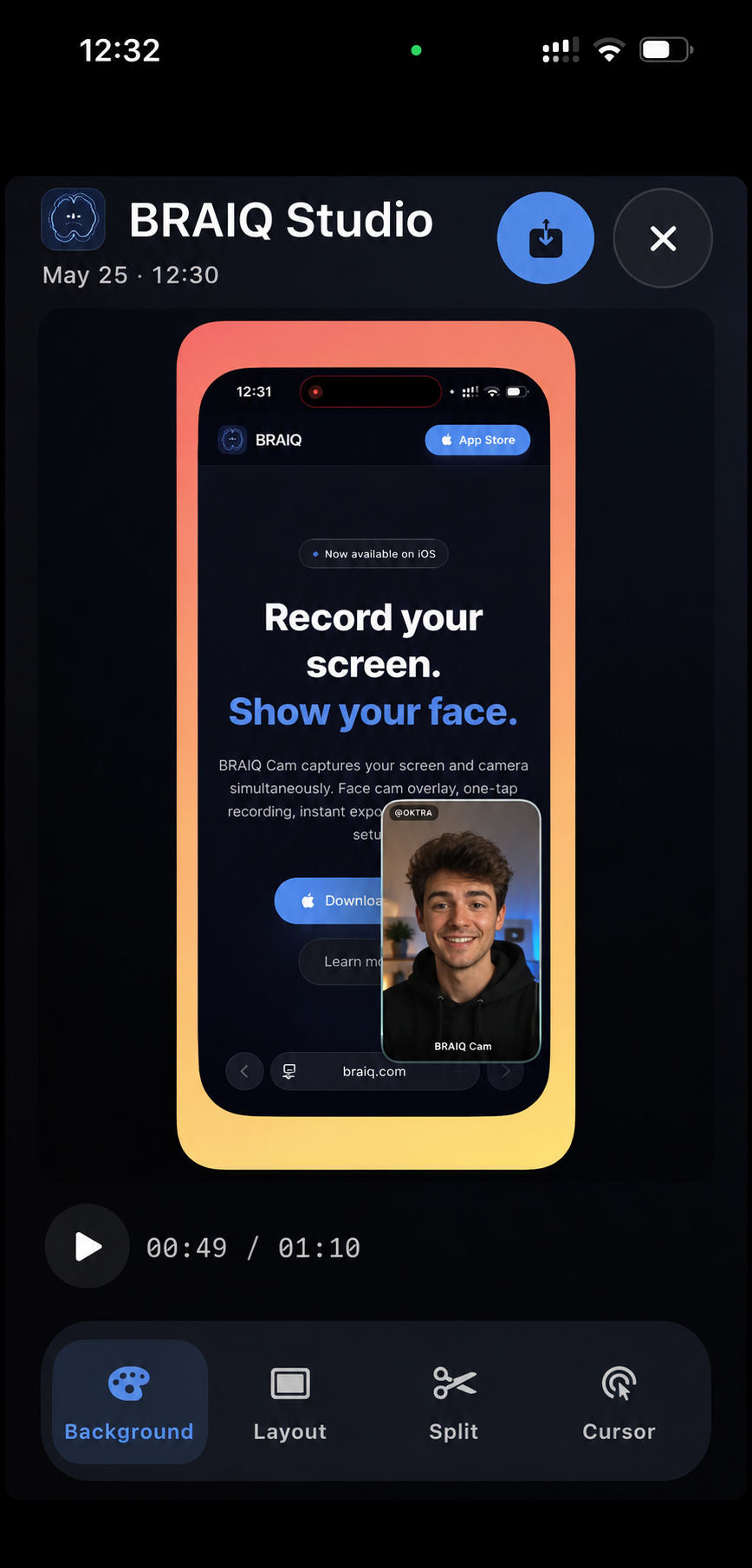
BRAIQ Cam captures your screen and camera simultaneously. Face cam overlay, one-tap recording, instant export — now on iPhone and Mac.
See it in action
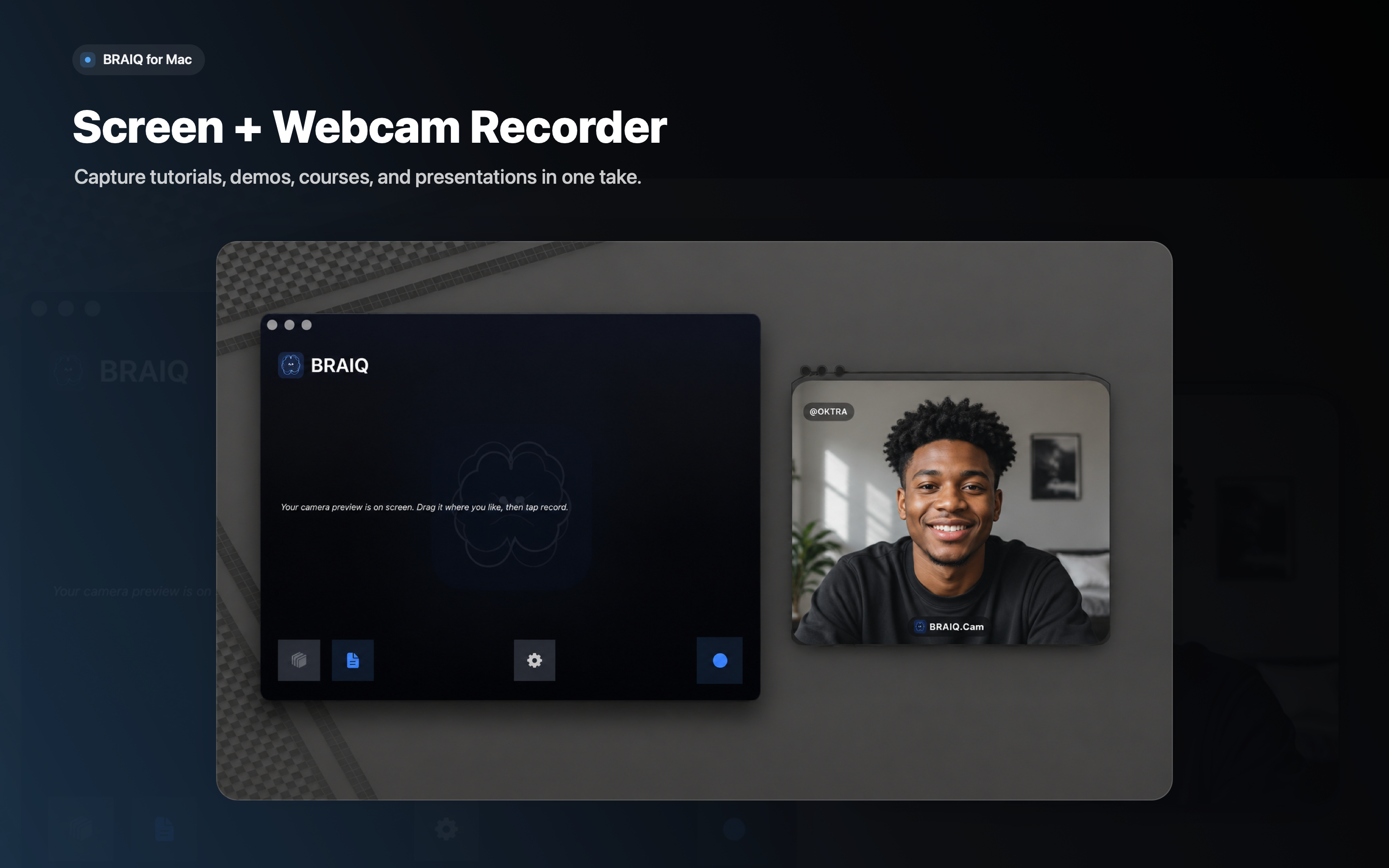
On the big screen
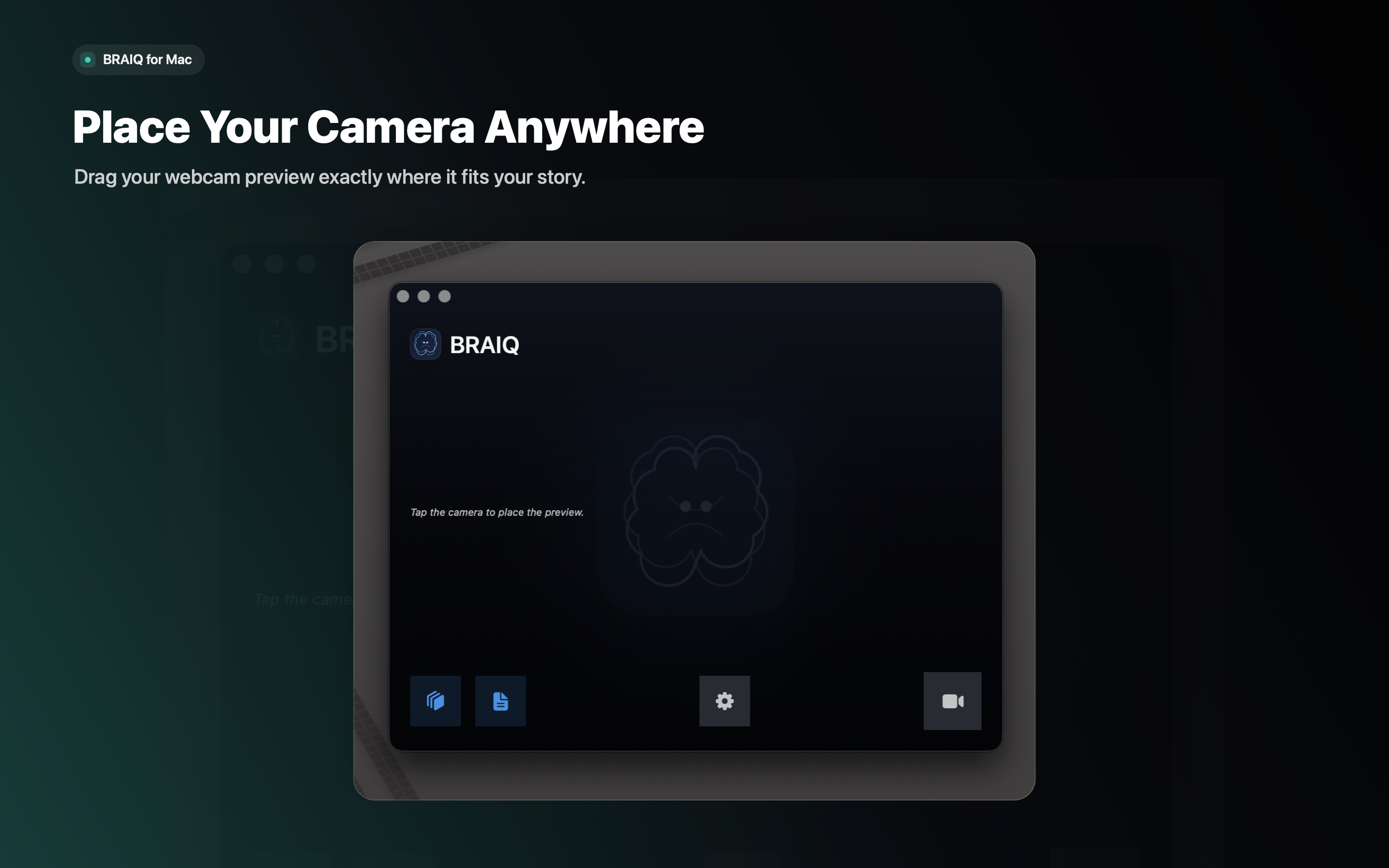
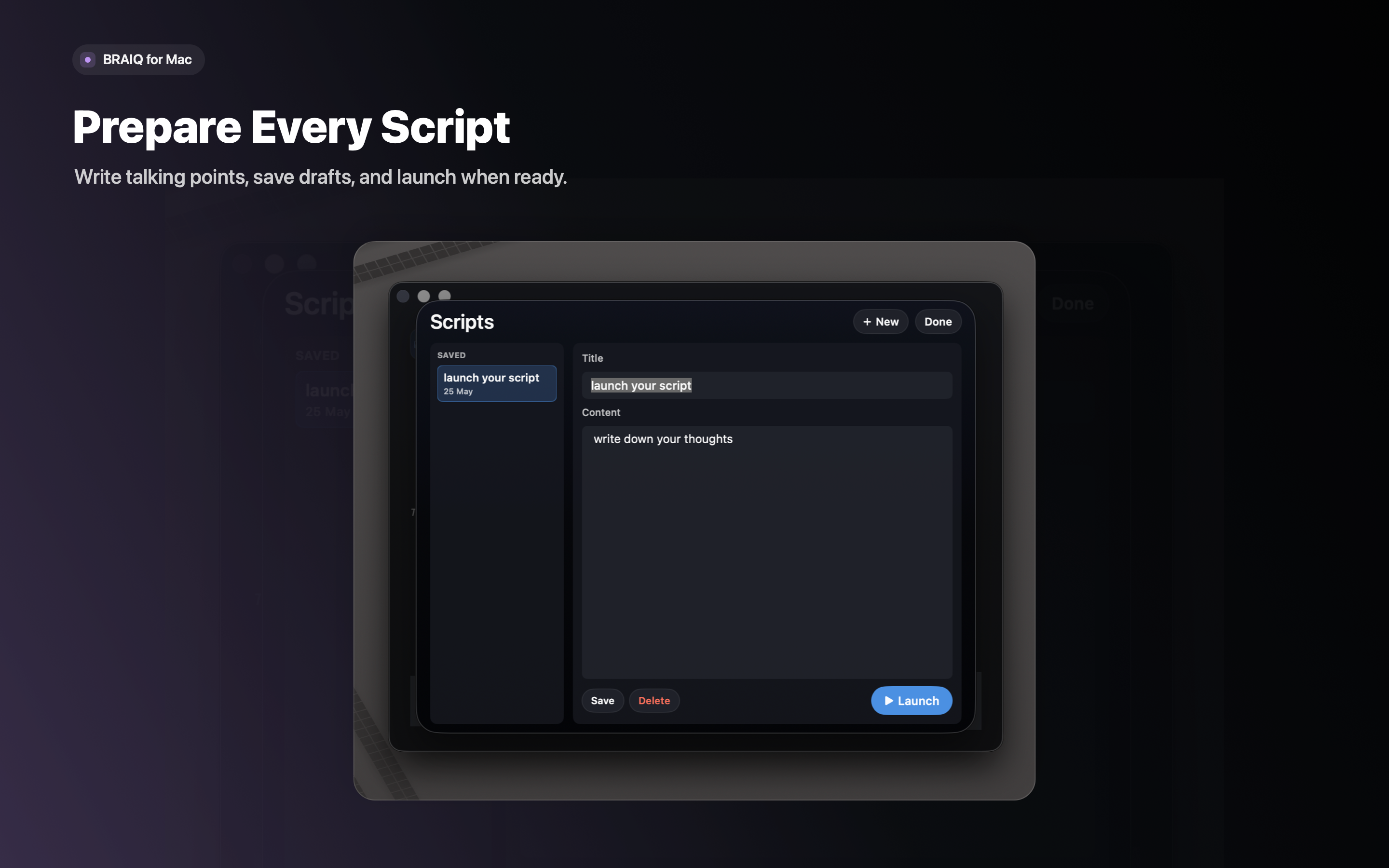
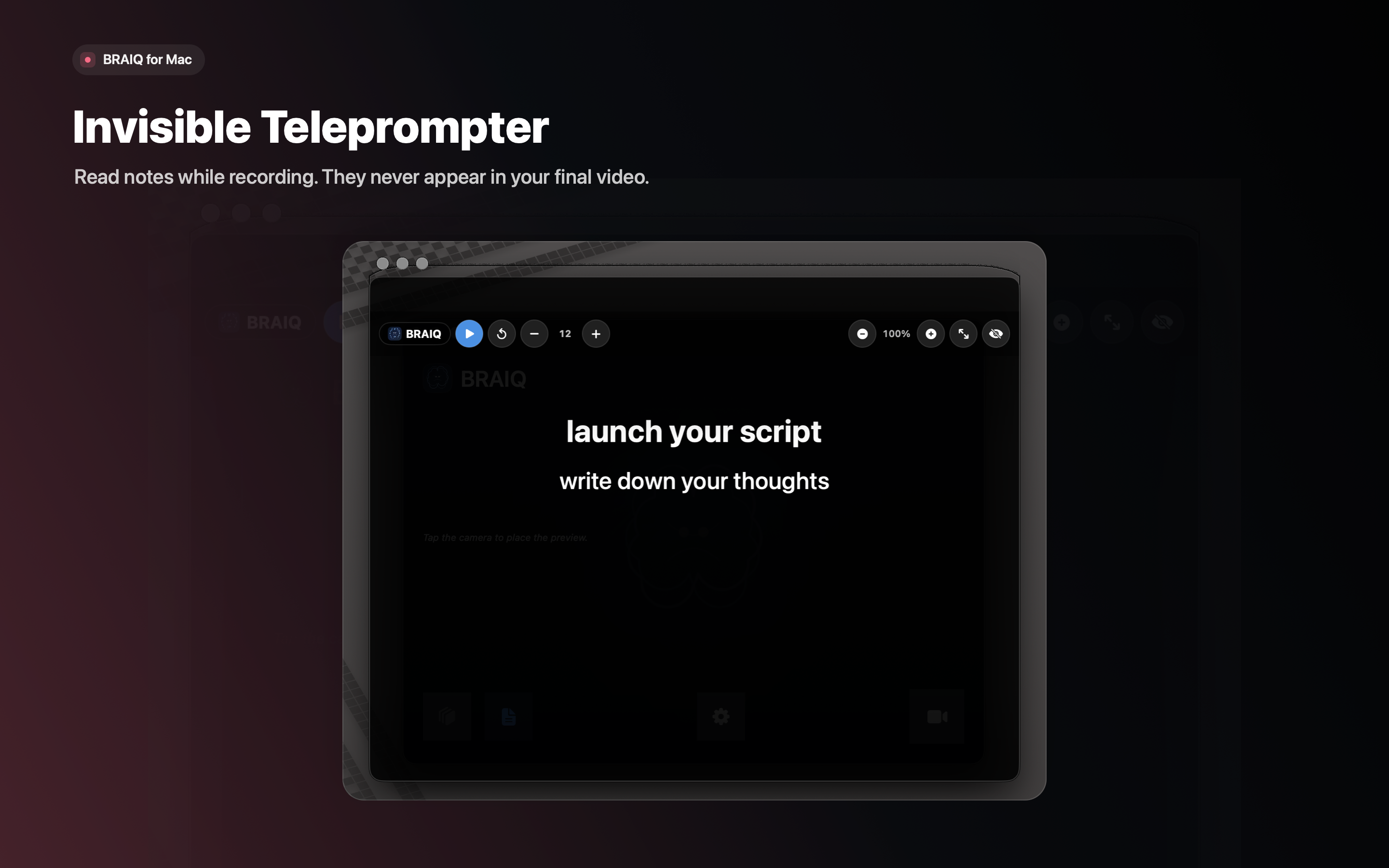
BRAIQ Cam comes to macOS with full desktop recording, face cam overlay, and a hidden teleprompter to read scripts while you record.
How it works
Three simple steps to professional screen recordings on any of your Apple devices.
Download BRAIQ Cam
Get the app on your iPhone or Mac from the App Store. Grant camera and microphone permissions — everything stays on your device.
Enable Face Cam
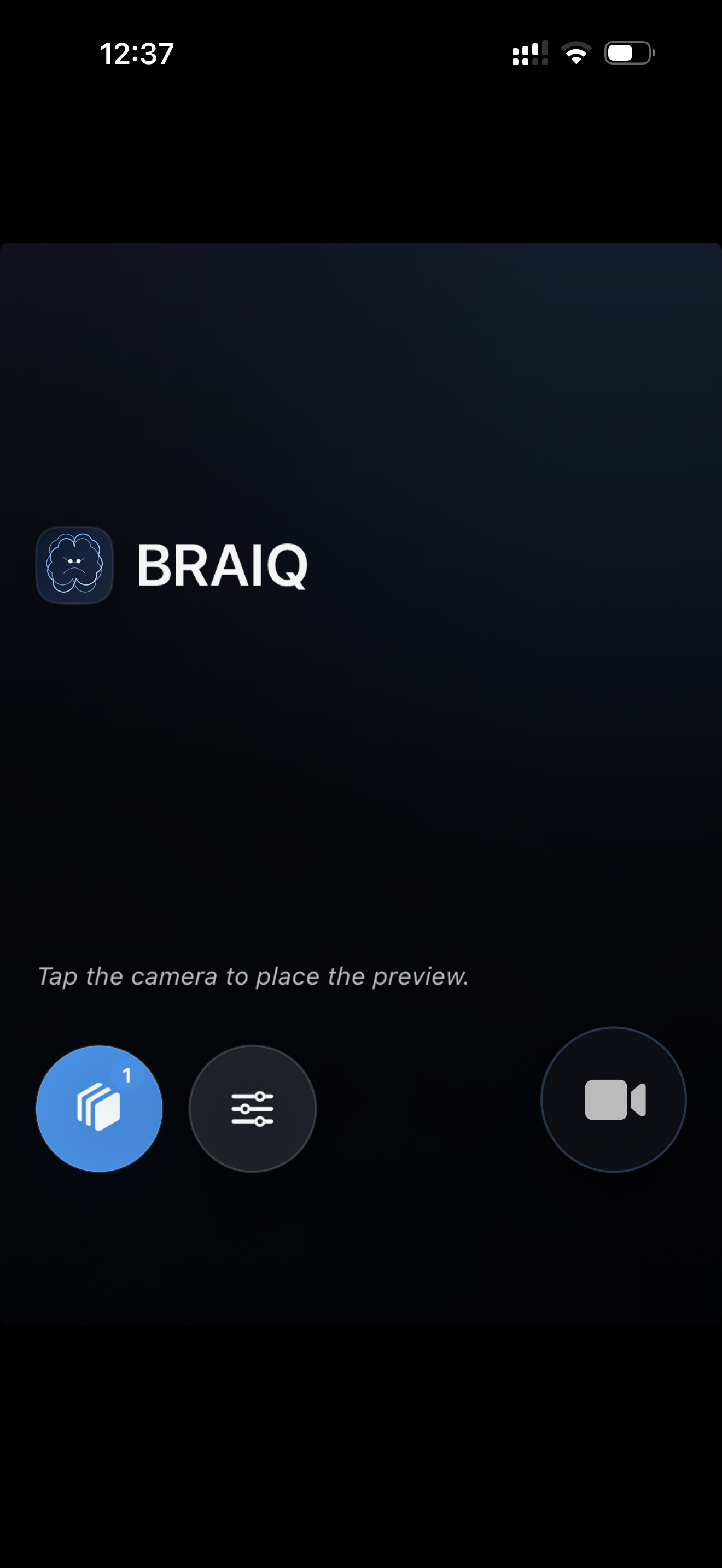
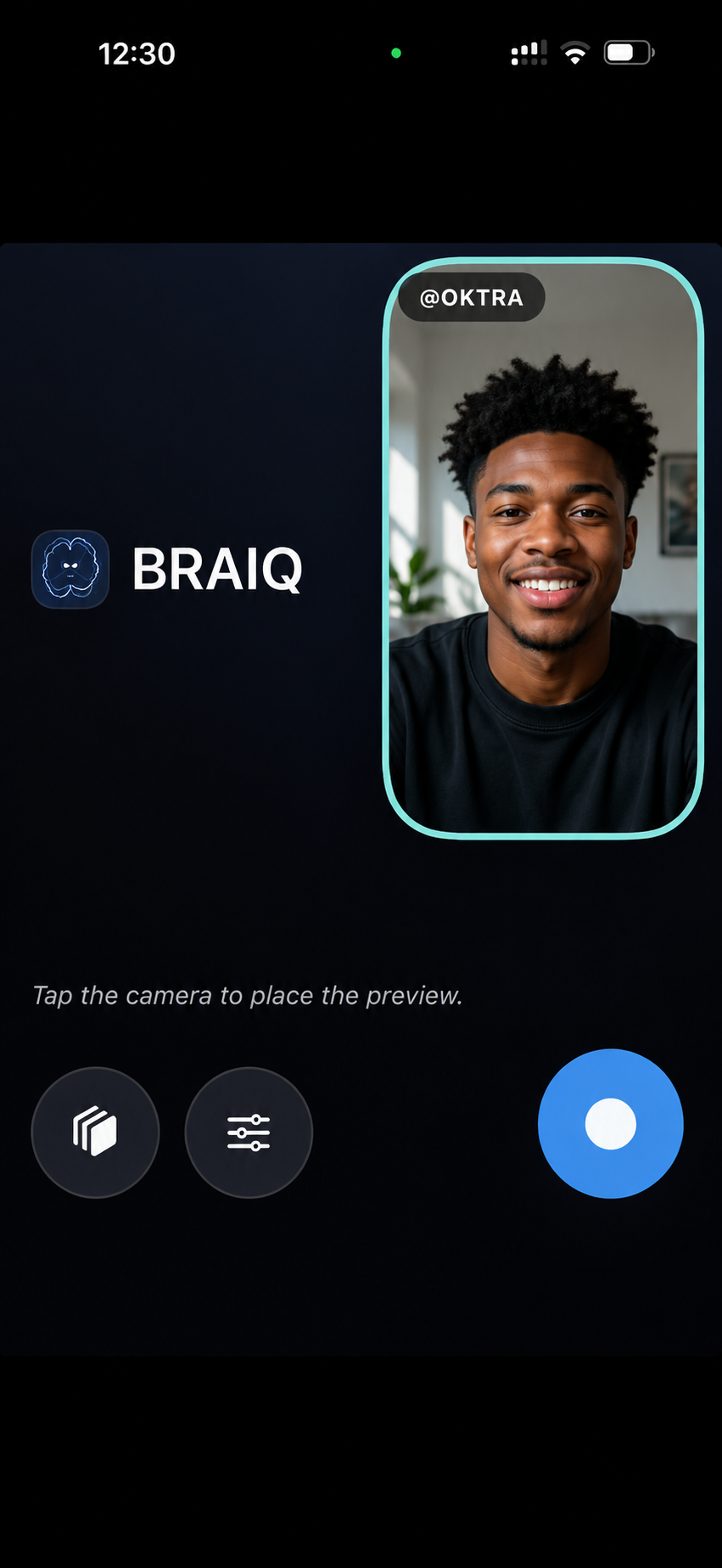
Tap the camera button to show your face cam overlay. Drag it anywhere on screen and customize the size and style.
Hit Record
Start recording. Your screen and face cam are captured together in full HD. Stop whenever you're done.
Ready to record?
Download BRAIQ Cam on your iPhone or Mac and start creating professional screen recordings with face cam today.